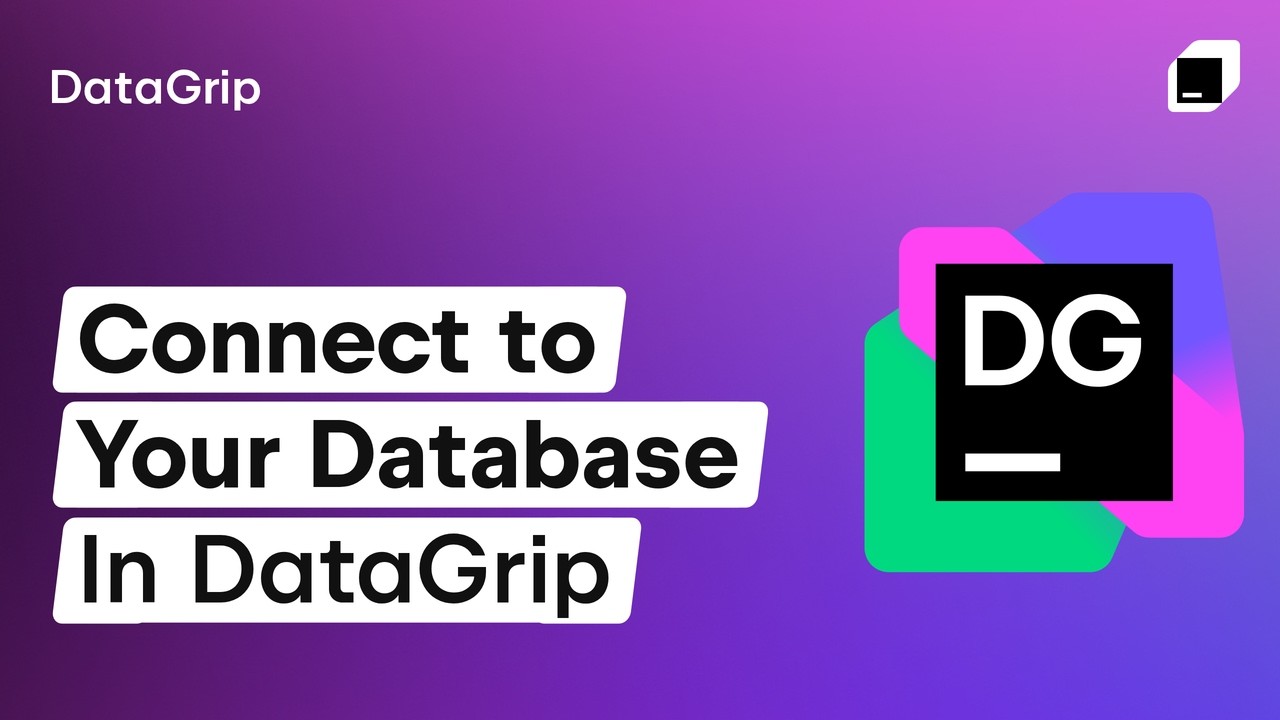
Managing your databases
Connect to dozens of SQL and NoSQL databases in seconds – all from a single, powerful interface. DataGrip provides everything you need to work efficiently, letting you manage connections, filter schemas, and use your databases with ease.
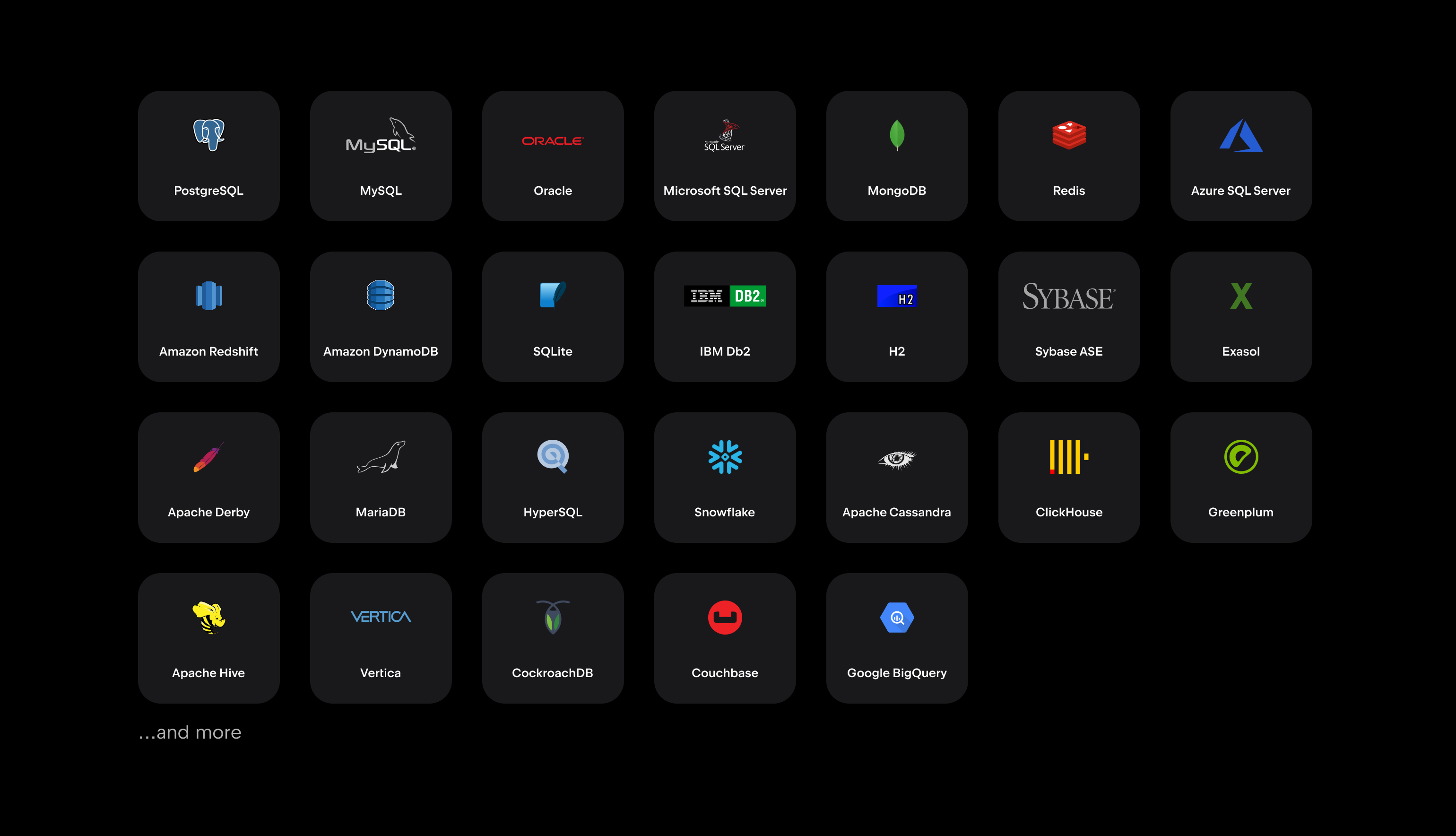
Your databases are supported!
Work with all major SQL and NoSQL databases – PostgreSQL, MySQL, Oracle, SQL Server, MongoDB, and many more.
Organize your databases with ease
Keep your workspace tidy and manageable, even when working with large databases and multiple environments. DataGrip helps you structure data sources, filter database objects, navigate schemas, and reuse connection setups across projects and JetBrains IDEs.
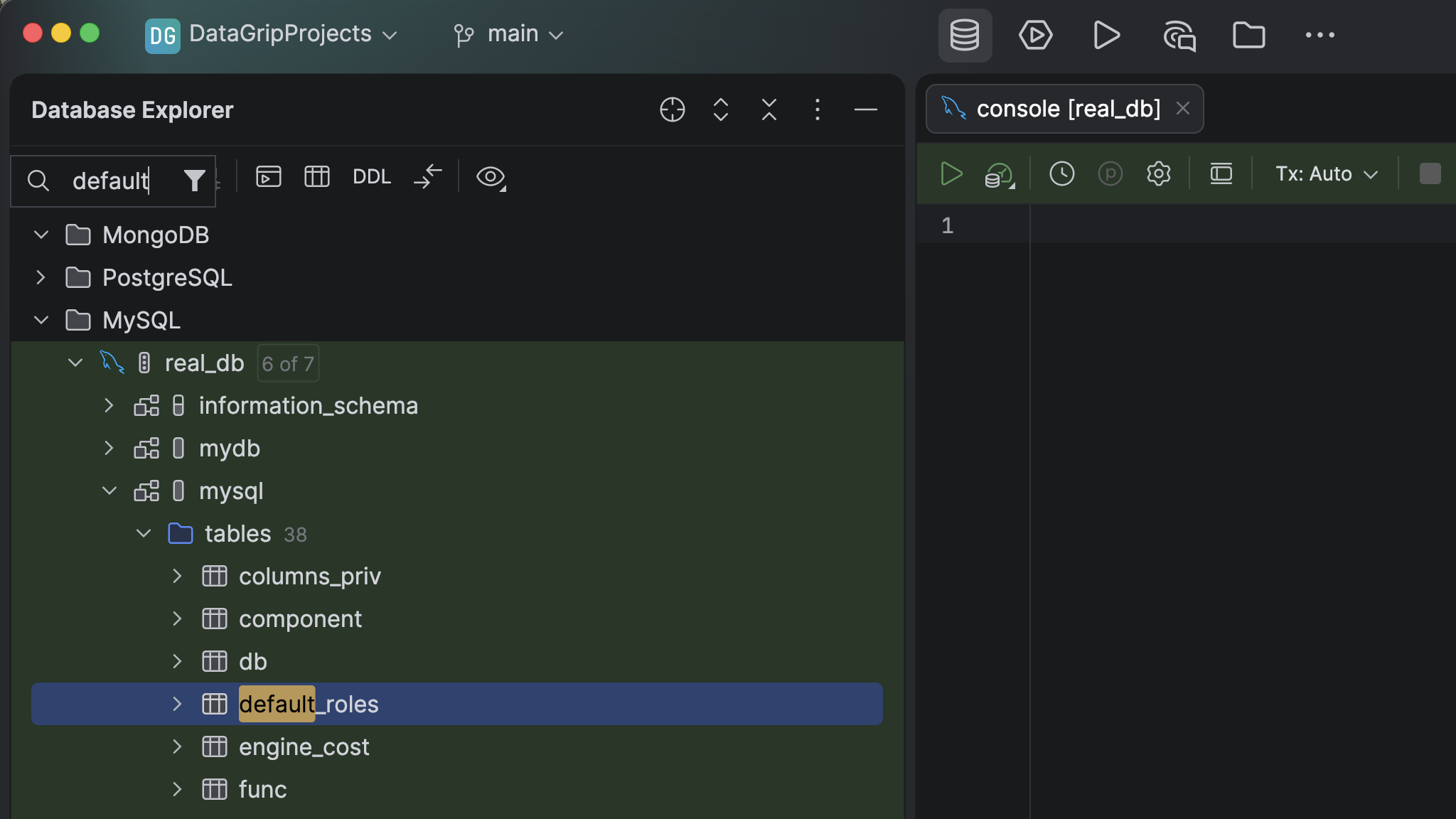
Ensure your work is safe and organized
Use pattern-based filters to reduce clutter and focus on the schemas and objects you need:
- Group database objects.
- Filter the database tree.
- Apply color coding to distinguish different environments.
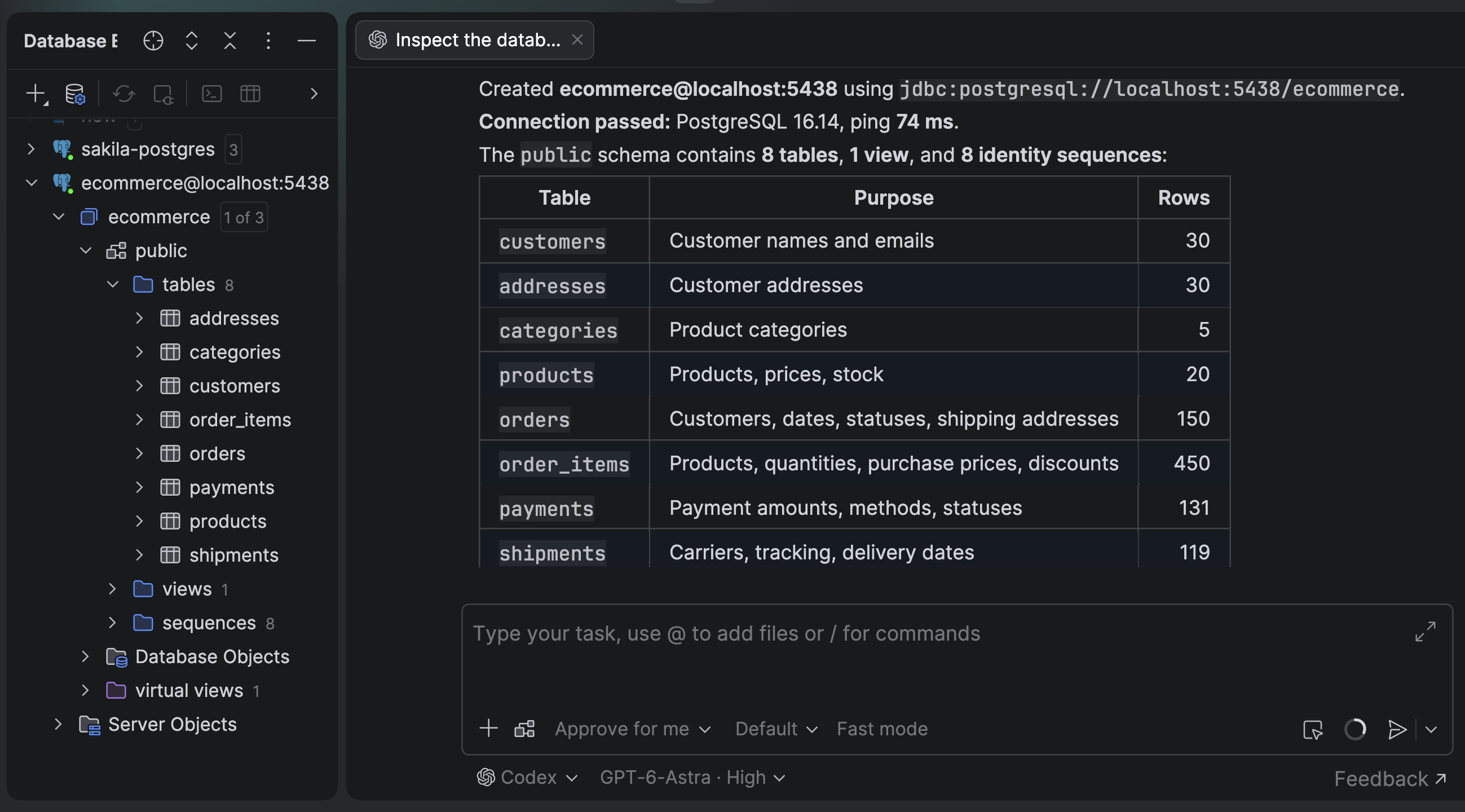
Connect to your database with AI agents
Let AI agents handle your connection setup. They can instantly create data sources from a JDBC URL, from a plain-text description, or by automatically locating and importing configurations from other installed tools. You can also instruct the agent to analyze your database landscape and get insights about the schema structure.
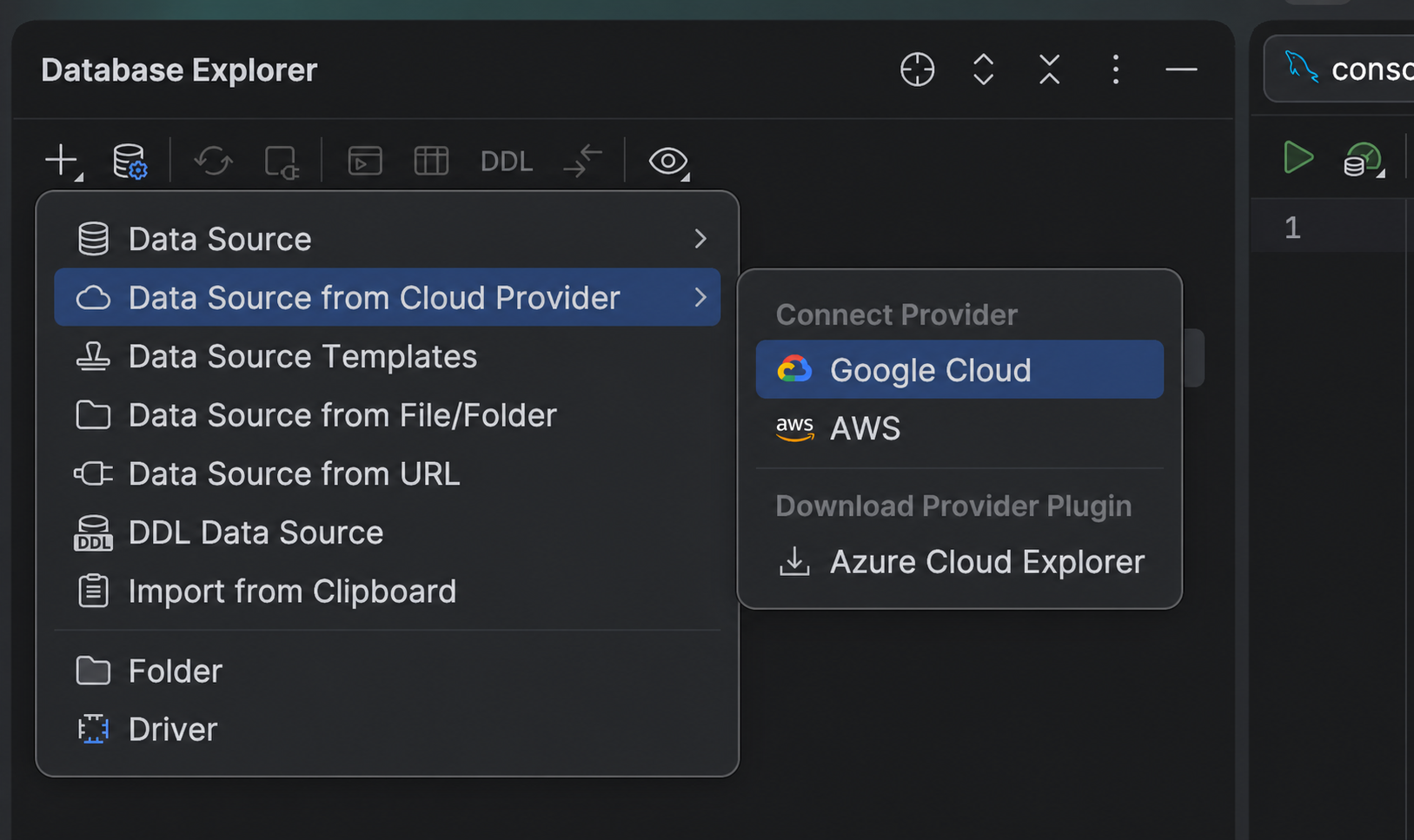
Connect to cloud databases
Connect DataGrip to your AWS, Google Cloud, or Azure account to quickly discover databases available in your cloud environment. Select the database you want to work with, and DataGrip will create a data source for it automatically, filling in the required connection details for you.
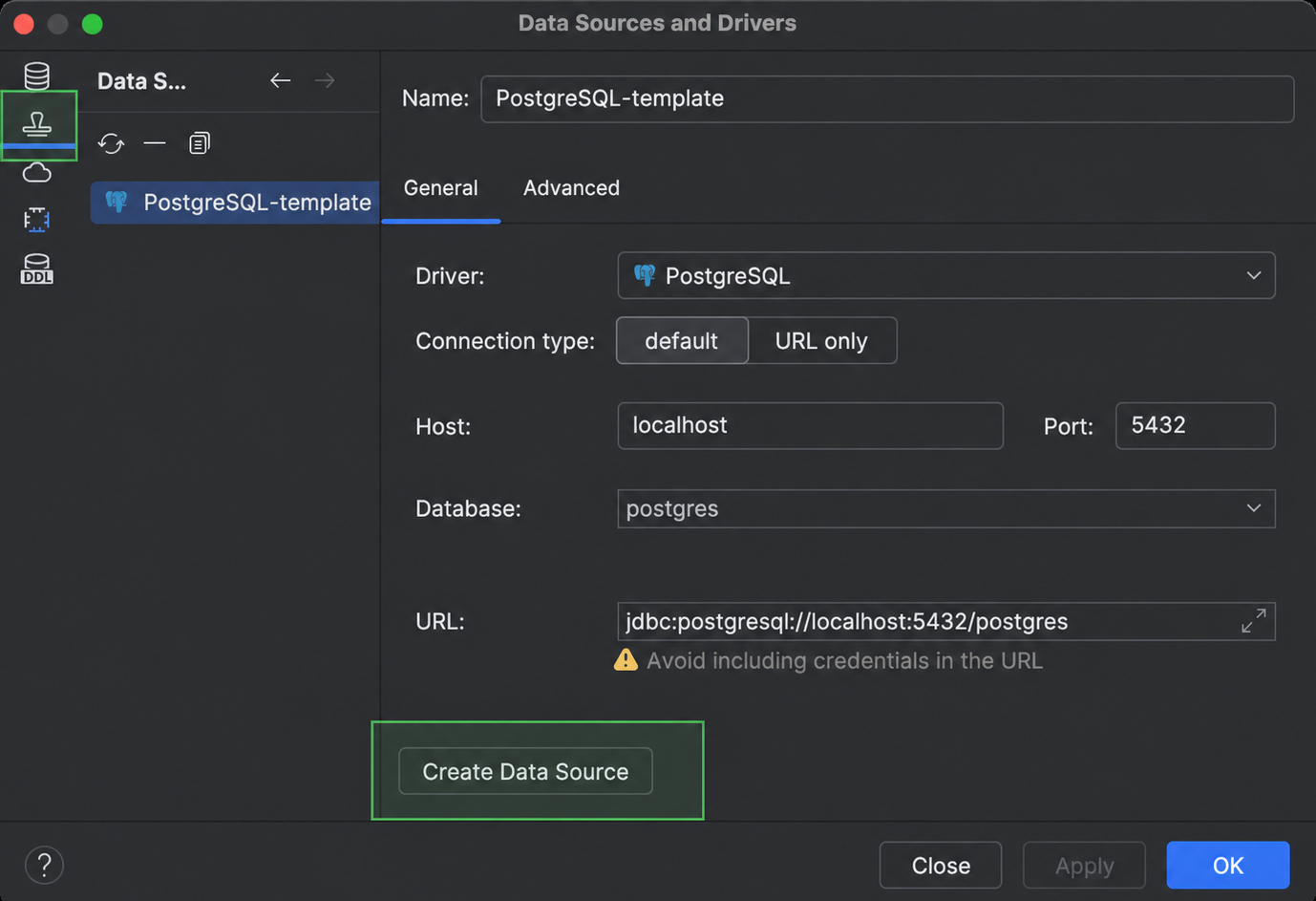
Reuse database connections instantly
Set up database connections once and reuse them across projects and IntelliJ-based IDEs. Copy and paste data sources, and use data source templates to speed up configuration.
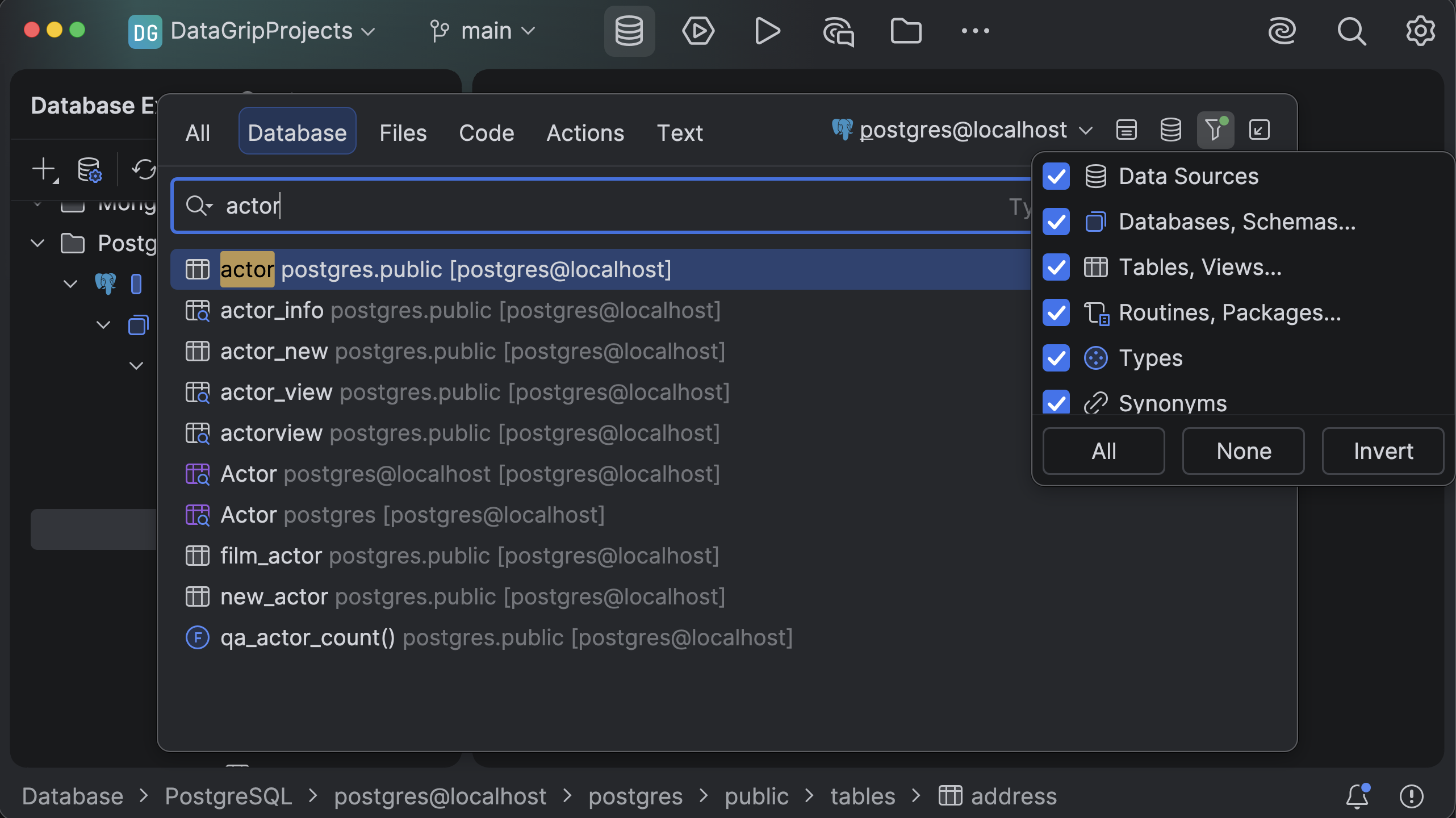
Quickly find what you need in DataGrip – search across your connected data sources, use filters to narrow the scope and results, and jump straight to the matching database object, file, action, or text.
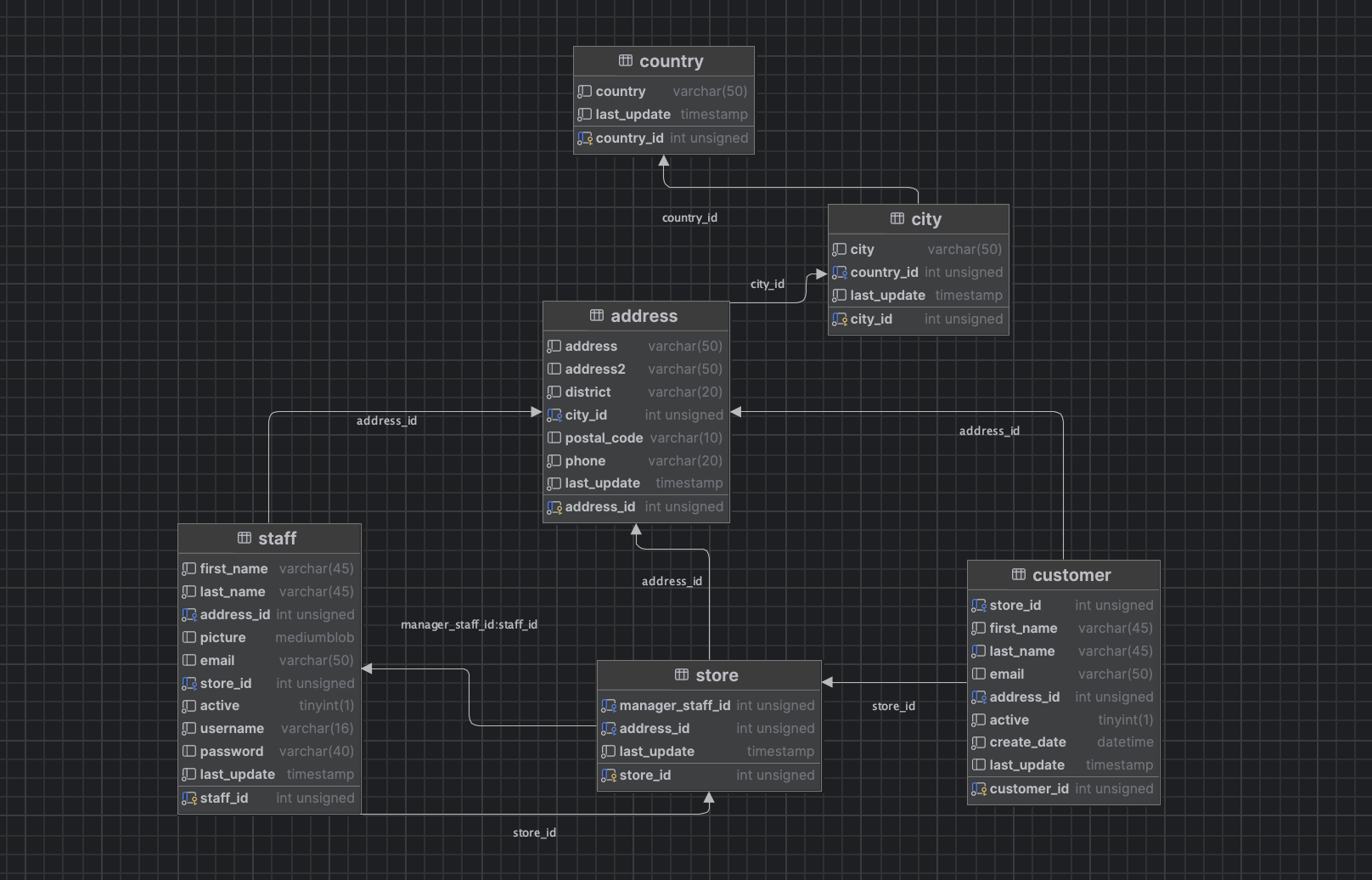
Use ER diagrams
Understand your data structure at a glance with automatically generated ER diagrams. DataGrip lets you instantly visualize tables, relationships, and foreign keys, making it easy to explore connections, spot dependencies, and plan changes – all without leaving the IDE.
